01
Set up your services
Add your services, their duration and the hours when you accept appointments.

Appointment booking and management for professionals
Clients choose an available time through your link. Add appointments made by phone or in person yourself. Yoo sends WhatsApp confirmations and reminders.
14-day Pro trial without a card · 50 WhatsApp notifications included
How it works
01
Add your services, their duration and the hours when you accept appointments.
02
Send your page or a specific service link on WhatsApp, on social media or on your website.
03
They choose an available time. The appointment appears in your schedule and their confirmation is sent on WhatsApp.
Appointments made by phone or in person can also be added in Yoo, with the same confirmations and reminders.
Working solo or with a team, organize your availability and bookings around your way of working.
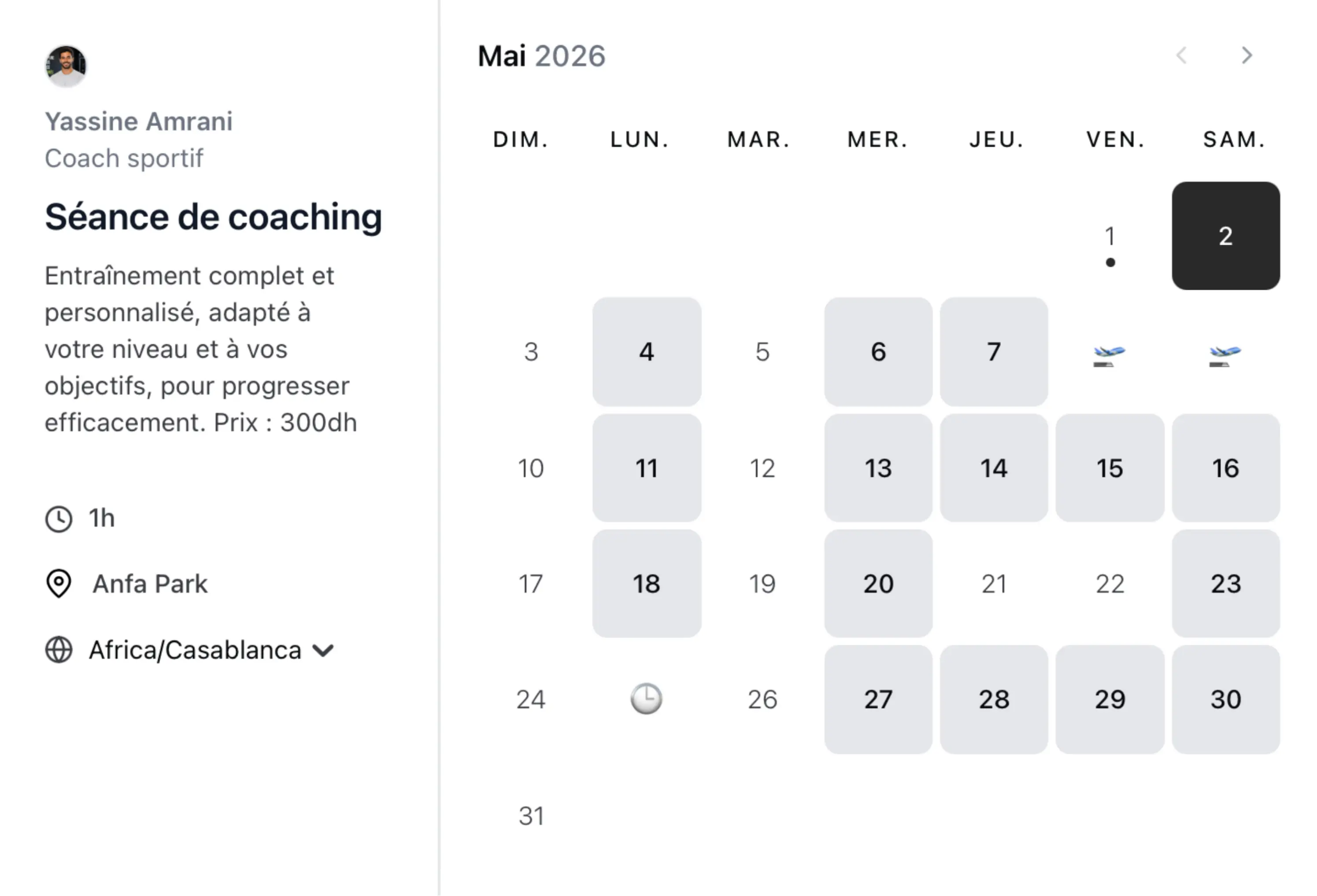
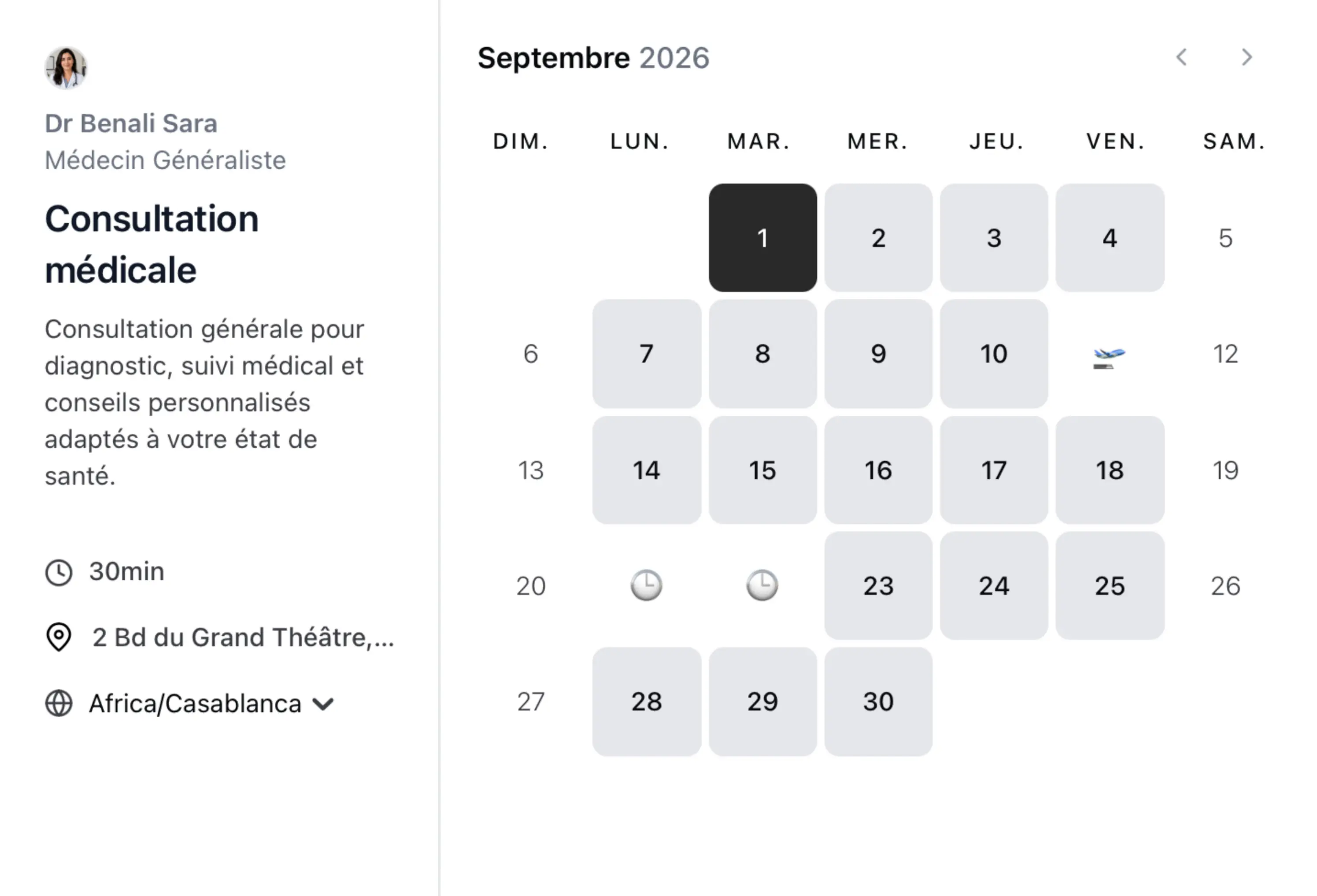
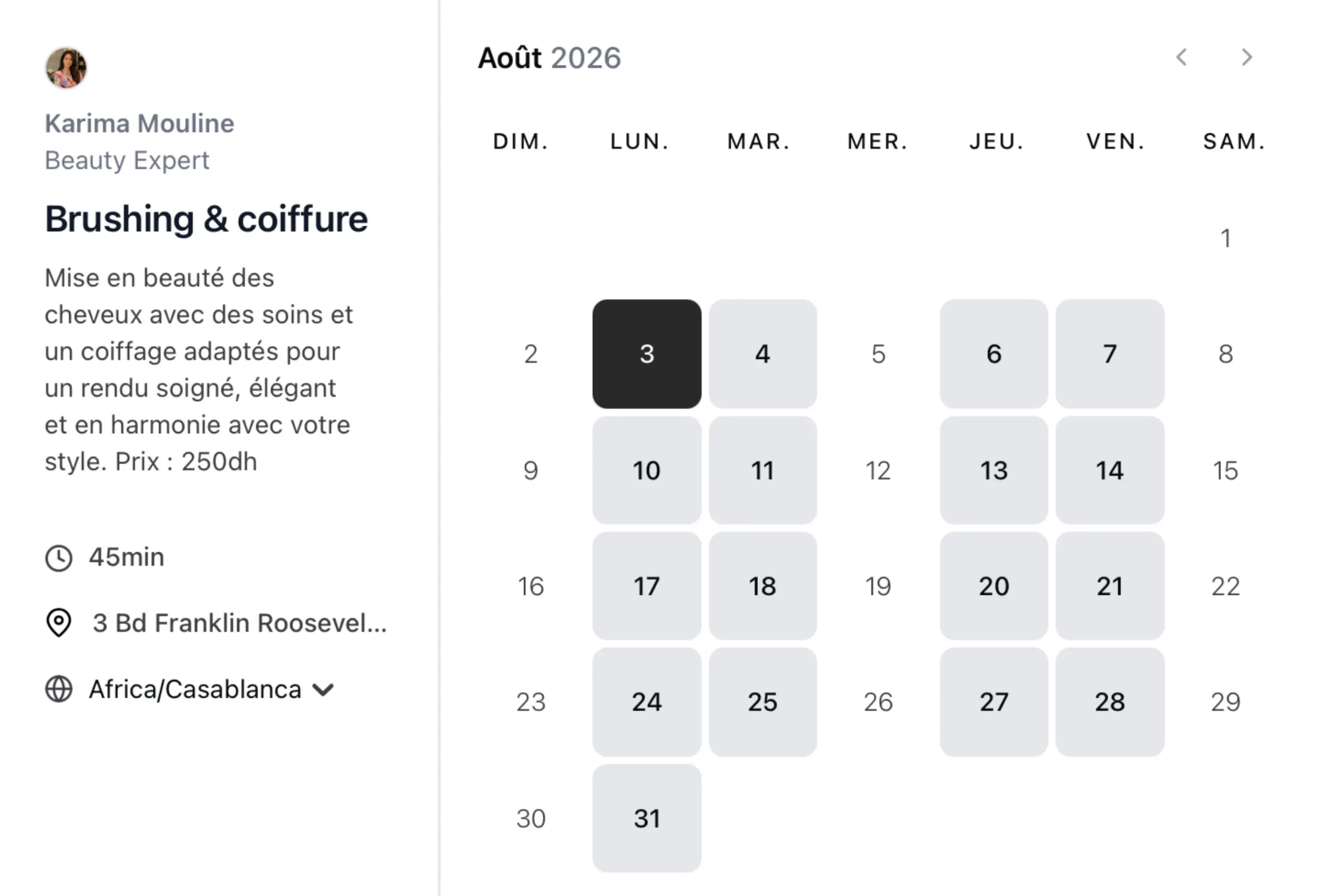
Test the experience like your clients
Present your business and services on your own booking page. Clients see your availability and book, even when you are busy.
Make it yours with your photo, a banner from our collection, your introduction and contact details.

Aesthetic consultations and treatments with personalized services.
Test the booking


One-to-one sessions, coaching appointments, and personalized sports programs.
Test the booking

Therapeutic consultations, support sessions, and personalized follow-ups.
Test the bookingA direct link for each service
Share a specific service or your public page with all your services. Your clients arrive at the right place to book.
Share a direct booking link for a particular service in a message, on social media or on your website.
Let clients explore your services and choose the appointment they need.
Download and share the QR code, or print it for your reception desk, business card or studio.
Automatic WhatsApp follow-up
Whether booked online or added by you, your clients stay informed without extra calls.
01
Your client receives the appointment details and their management link on WhatsApp.
02
Automatic reminders help your clients remember their appointment.
03
Clients can reschedule or cancel through their link, according to the rules you set.
The app for professionals
Check upcoming appointments, add a booking, adjust your schedule and receive notifications. Your phone and web workspace stay in sync.
See today’s appointments and the days ahead, with client details.
Enter a booking manually, wherever you are.
Edit, reschedule or cancel a booking.
Update your availability, services, profile photo, banner and public booking page.
Made for professionals. Clients book through a link, without installing an app.
Your availability, services and appointments, managed from the same system.
Stay informed on your phone when appointments are created or changed.
Offer one-to-one sessions, classes or workshops with multiple participants.
Bring appointments and the availability of the people you work with into one place.
Share your entire booking page or a direct link to one service.
Follow your bookings and activity with the statistics available in Yoo.
Set your hours, time off, booking notice and buffers between appointments.
Connect your calendar, such as Google Calendar, to keep your appointments and availability in sync.
Discover Yoo Pro with a 14-day free trial. For separate access and schedules for multiple professionals, choose Team. No commitment - cancel anytime.
Included in Pro and Team: unlimited clients, appointments and WhatsApp notifications.
14-day Pro trial without a card · 50 WhatsApp notifications included
Most popular
299 dh / month
999 dh / month
About 200 dh per user
Choose TeamTeam add-on
199 dh / month / user
Add extra users to your team when you exceed the 5 users included in the Team plan.
Available with the Team plan
Before you get started
Yes. Add appointments taken by phone or in person directly in Yoo. They join the same schedule as online bookings, with WhatsApp confirmations and reminders.
No. Each service has its own booking link. Share that direct link, your page with all your services, or the corresponding QR code.
No. They open your link in their browser to book. Their confirmation link lets them reschedule or cancel according to your rules.
Yes. With Yoo Pro, you can share the same professional account: for example, the professional on their phone and their assistant on a computer, with a synchronized schedule. Team provides separate access for each member and availability management for each professional, making it ideal for clinics, beauty salons and other teams. It includes 5 users, with the option to add more.
You can access Yoo through your phone’s browser. The dedicated iPhone and Android apps are coming soon, with booking management, notifications and public page editing.
Yoo Pro includes a 14-day free trial with 50 WhatsApp notifications shared across your workspace. A confirmation and a reminder can each use one notification. Subscribe at any time to unlock unlimited WhatsApp after payment. Team does not include a free trial.
Watch our videos to discover Yoo and learn how to set up your workspace.
Create your services, share your link and bring your appointments together in Yoo.
Try Yoo Pro free for 14 daysYoo Pro · 299 dh/month after the trial
Let’s chat on WhatsApp about how Yoo can help your business.